

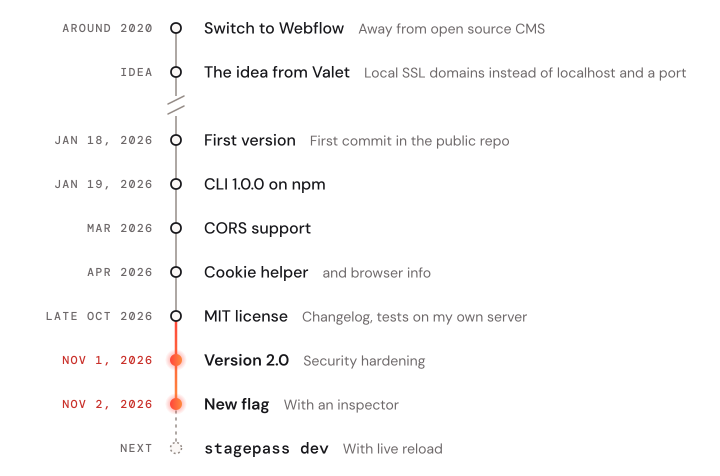
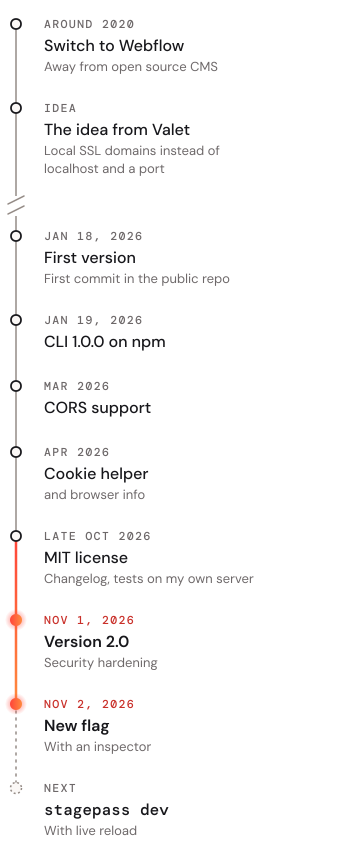
I've been building websites in Webflow since around 2020, after I was totally fed up with open source CMS websites. Stagepass is the tool I wanted for my own work, to push further what Webflow gave me: speed, and designing live on the page instead of coding blind. If you put someone else's script on a live site, you deserve to know who's behind it and how it's made, so here's how it actually works.
It started with being annoyed
Over the years Webflow projects kept coming, more of them and bigger ones, with more custom code, the kind of JavaScript and CSS that Webflow didn't and still doesn't do on its own.
The way you add that code in Webflow is always the same. Change a line, paste it into Webflow, publish, reload, check, and then do it all again, like Bill Murray in Groundhog Day, except nobody learns piano along the way. For a small tweak that's fine; for real development work it eats your whole day.
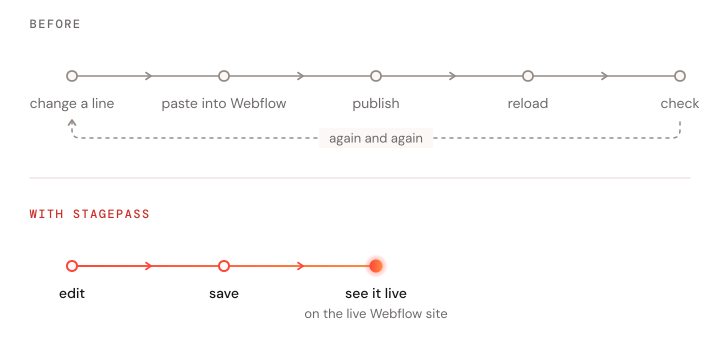
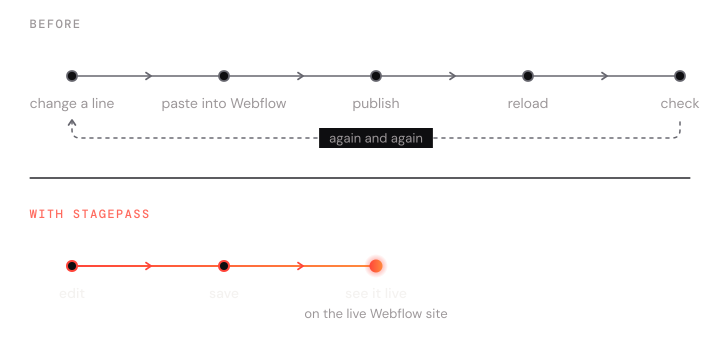
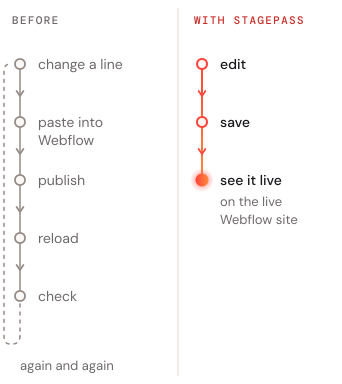
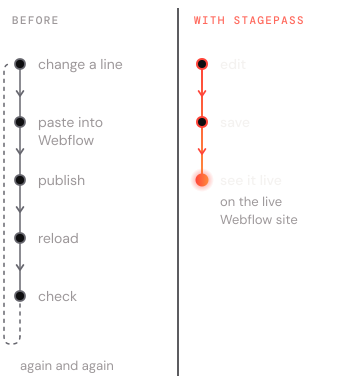
What I wanted was simple: write code in my own editor and see it on the live page right away, without publishing in between and without visitors noticing anything.
Small steps first
The idea from Valet
I knew Laravel Valet from projects outside of Webflow, and what caught my eye was the idea behind it: instead of solving everything with localhost and a port number, every project gets its own local domain, secured with SSL. That idea was the starting point for Stagepass, and it is where today's .sp domains come from. What I didn't want was a setup held together by fifteen tools and a sticky note explaining which one to start first, so Stagepass became its own tool, where proxy, SSL and file swapping simply work together.
A first rough version
With very little clue about development beyond some web magic, I built a first, rough version with the help of Gemini and Cursor: a small command-line tool for local HTTPS domains, and a loader script that swaps files on the live site only when I ask it to.
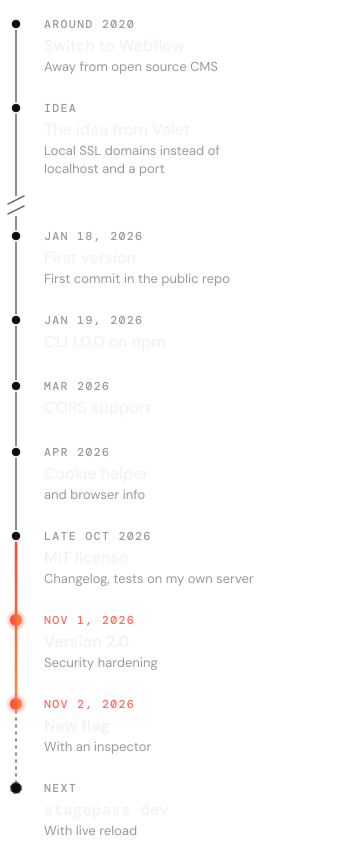
That version became the first commit, from January 18, 2026, and version 1.0.0 of the CLI was on npm one day later.
Growing with real use
After that, Stagepass grew in small steps, always from something I needed in my own projects. In March it got CORS support, and in April a helper for cookies and some runtime information about the visitor's browser.
Version 2: safer and more open
At the end of October 2026 Stagepass got the MIT license it already promised from the start, a changelog and tests on my own server, and on November 1 came version 2.0, which was mostly about security: hidden files stay hidden, only origins you allow get through, and sessions expire after 12 hours by default.
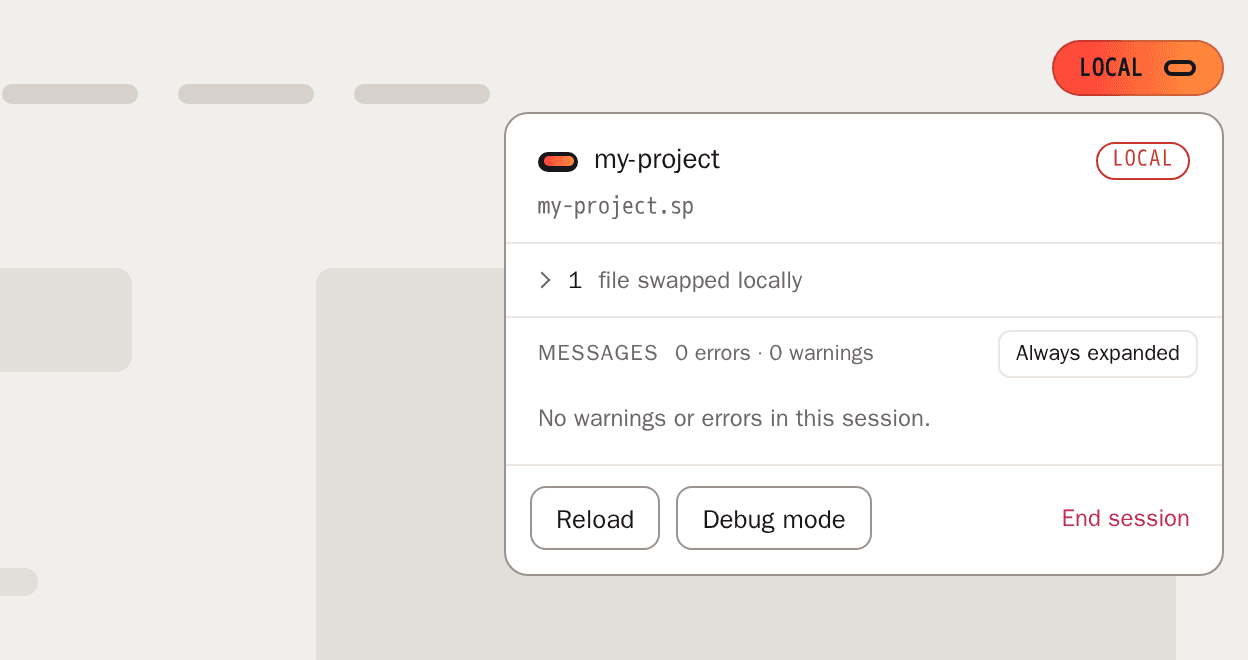
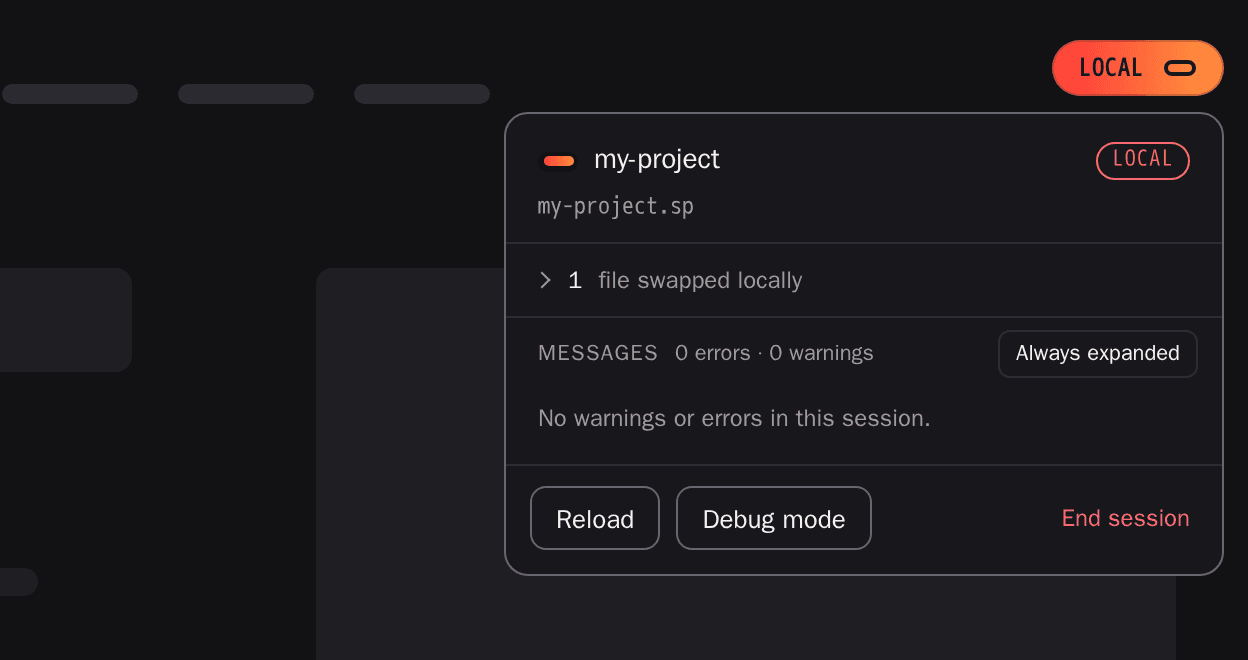
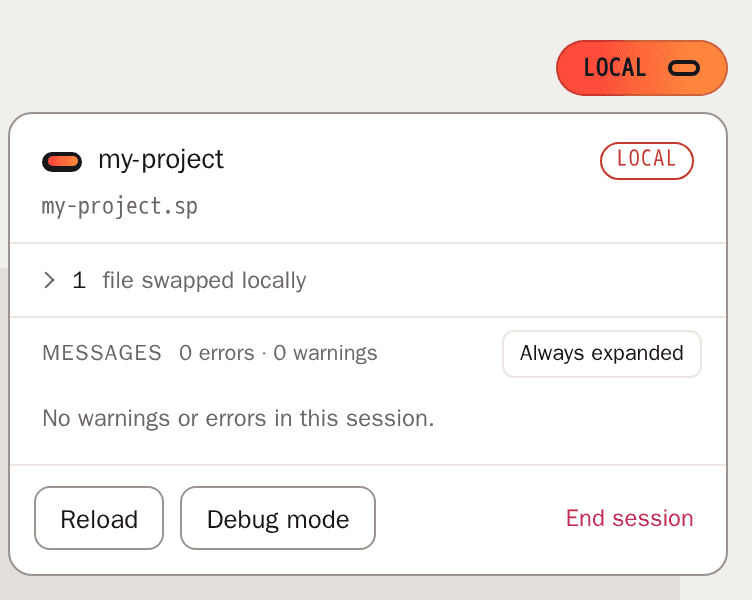
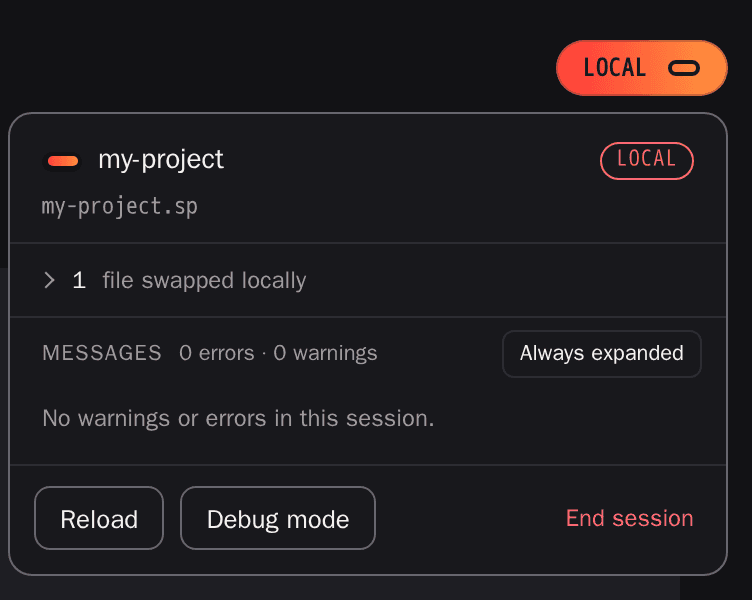
Since then it has gained a project scaffold, a doctor command and a new on-page flag with an inspector for errors and warnings, and stagepass dev with CSS hot swap and live reload is next.
How Stagepass is built today
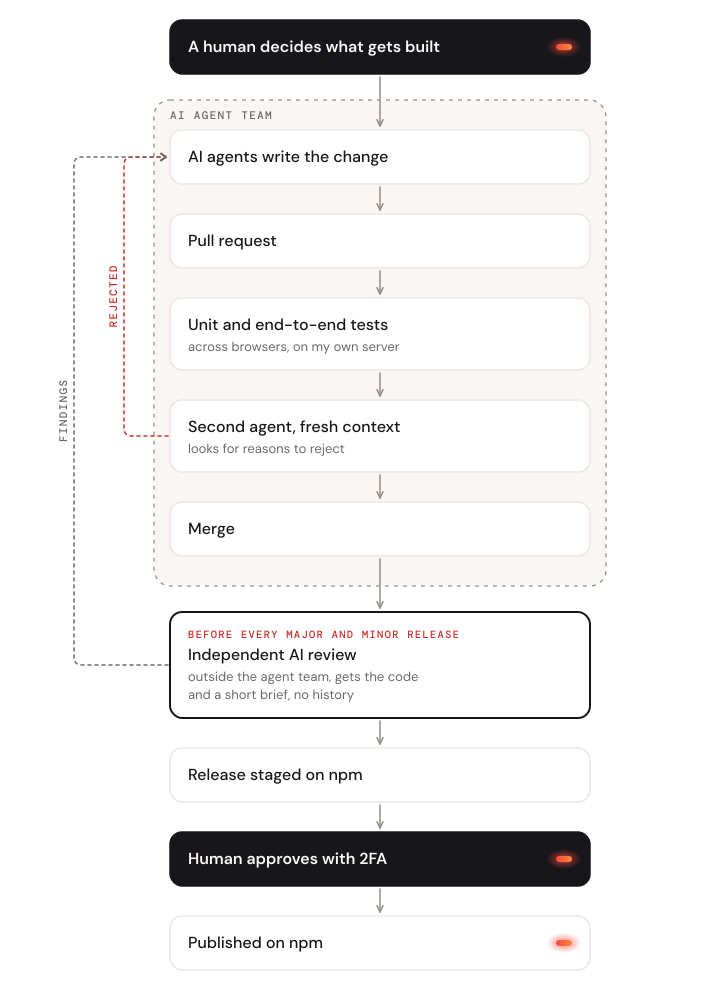
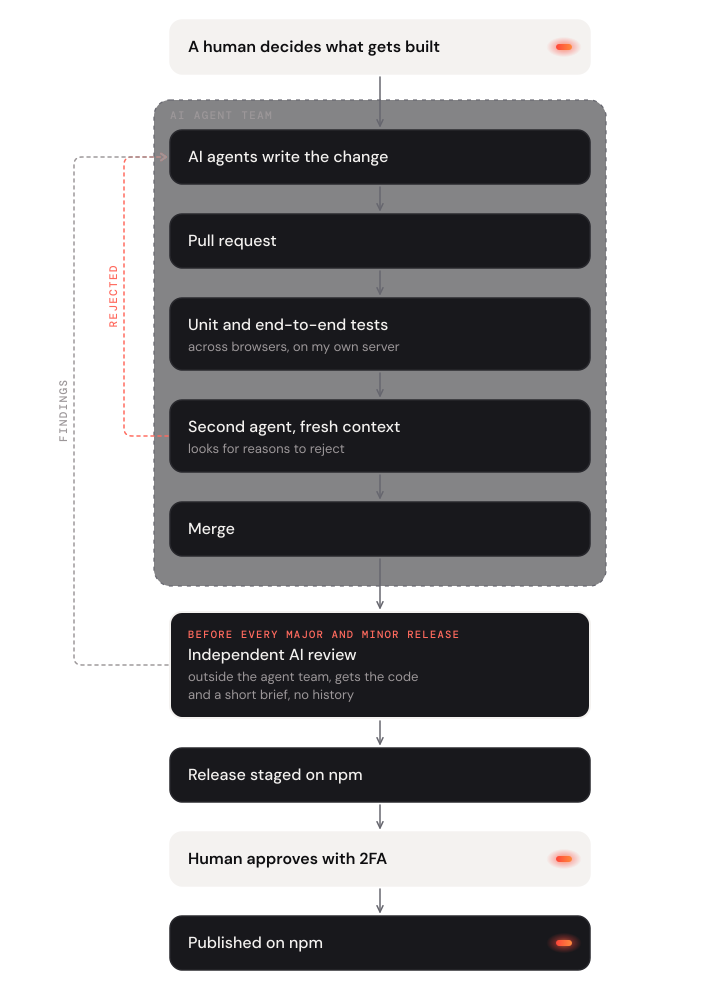
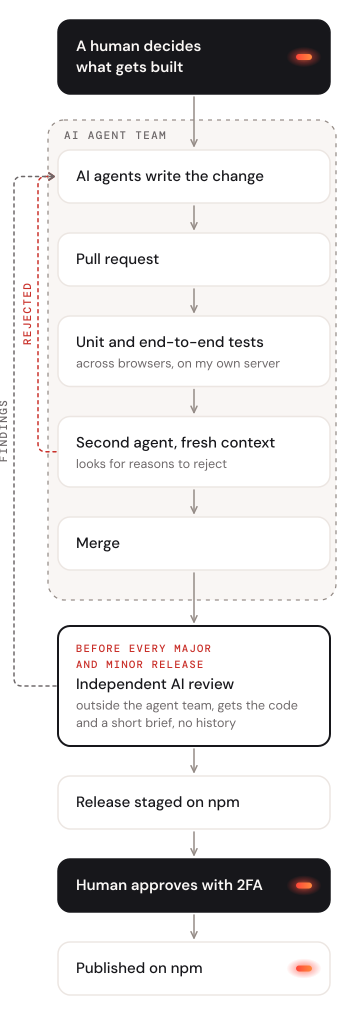
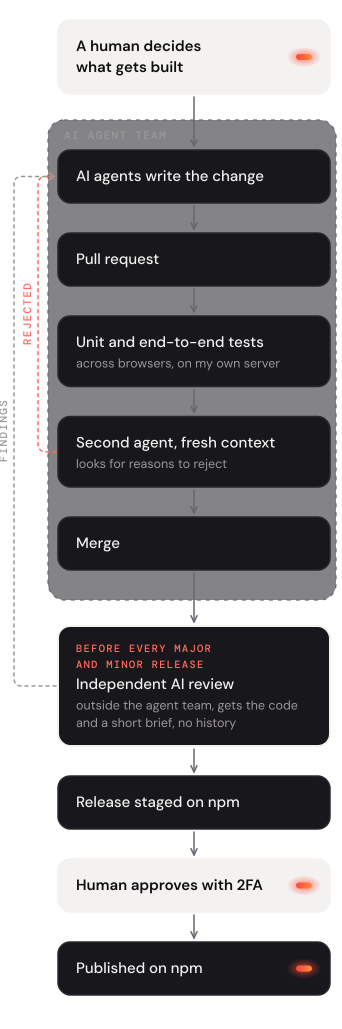
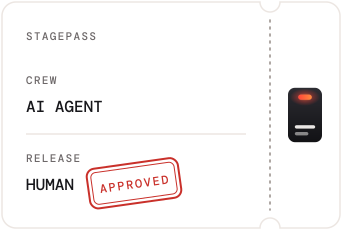
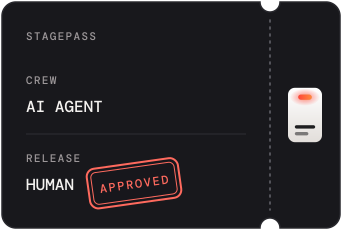
Today Stagepass is developed agentically (yes, one more agentic project; I can already hear your eyes roll). A team of AI agents, built on Grok and coding with Cursor, writes the code, runs the tests and prepares the releases. I decide what gets built, and nothing ships without my approval.
The code is written, built and tested in Docker on my own server.
He's making a list
Nothing goes straight into the code. Every change is a pull request with unit and end-to-end tests across browsers, run on my own server.
And checking it twice
Stagepass is public and runs on live websites, so a mistake doesn't stay on my machine. That's why a second agent with fresh context reviews every change, and its job is to find reasons to reject it, not to wave it through.
Before every major and minor release, an independent AI reviews the code. It gets the code and a short brief, but no history and no explanations from the agents who built it. That reviewer is Claude, running separately from the agents that wrote the code.
Gonna find out who's naughty or nice
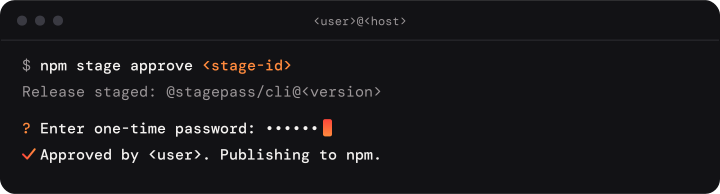
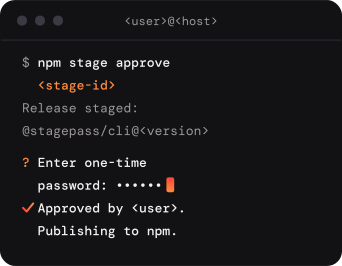
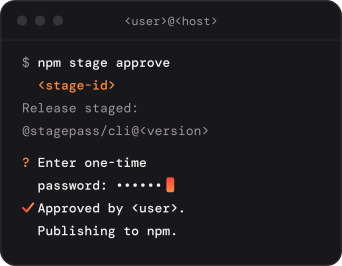
No version reaches npm without me. The pipeline stages a release, and I approve it personally with two-factor authentication.
Why I'm telling you this
Tools built with AI have a trust problem, and honestly I get it, so here's the deal: the agents write the code, but a living person of flesh and blood has the final say.
Because Stagepass is open source, you don't have to take my word for it. Every line and every change is on GitHub.
Try it
If you work with Webflow and know that loop, Stagepass gets you out of it. Start with the installation guide, and see the security notes for how it handles live sites. Questions, bugs and ideas are welcome as issues on GitHub.
FAQ
Is Stagepass written by AI?
Yes. A team of AI agents writes the code, I decide what gets built, and nothing ships without my approval.
Who checks the code before a release?
Every change is a pull request with unit and end-to-end tests across browsers, run on my own server, and a second agent with fresh context reviews it. Before every major and minor release, an independent AI with no history of the project reviews the code. I approve every release myself.
Is it safe to run Stagepass on a live Webflow site?
Yes. Visitors without an active session only load the small loader, so nothing is swapped and nothing is shown. Sessions expire after 12 hours by default, only origins you allow can load your local files, and the code is open for anyone to check. The security notes have the details.
Why is Stagepass open source?
Because a script on a live site needs trust. Under the MIT license anyone can read, check and use every line.
Which systems does Stagepass support?
macOS. The installation guide lists what you need.